I encourage moving design off-screen and into real use as soon as possible. Learning happens through building, testing, and refining—not theorizing. Because this project was function-driven, we began prototyping early and iterated constantly.
I encourage moving design off-screen and into real use as soon as possible. Learning happens through building, testing, and refining—not theorizing. Because this project was function-driven, we began prototyping early and iterated constantly.


This installation was a first for the campus. Transforming spaces outside the usual exhibition areas required flexibility from everyone involved. We often had to design and build before final spaces were approved, a great adaptability test. None of it would have been possible without generous support from faculty and staff across departments, including Doug Kisor, Sue LaPorte, Chad Riechert, Kristin Koch, Jamie Laessle, Greg Fraser, Laurie Evans, Matt Clayson, Bethany Betzler, Sandra Olave, Robert Sheffman, and Sean Evans.
Team: Paolo Catalla, Jennifer Barrett, Alex Poterek
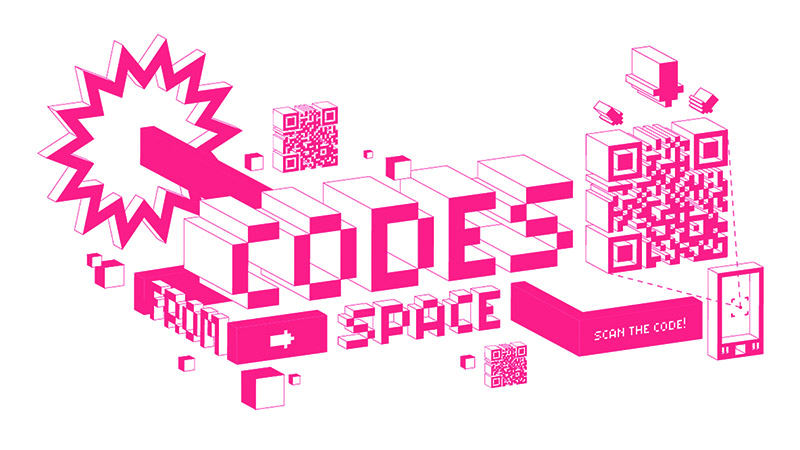

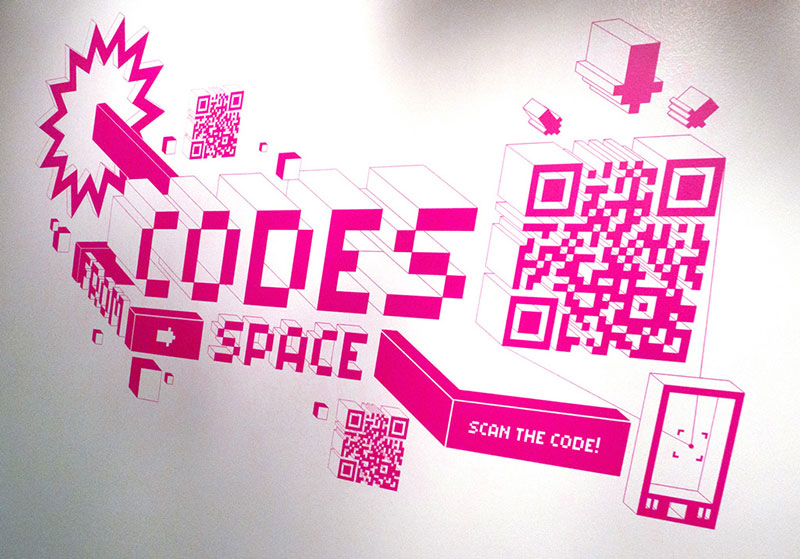
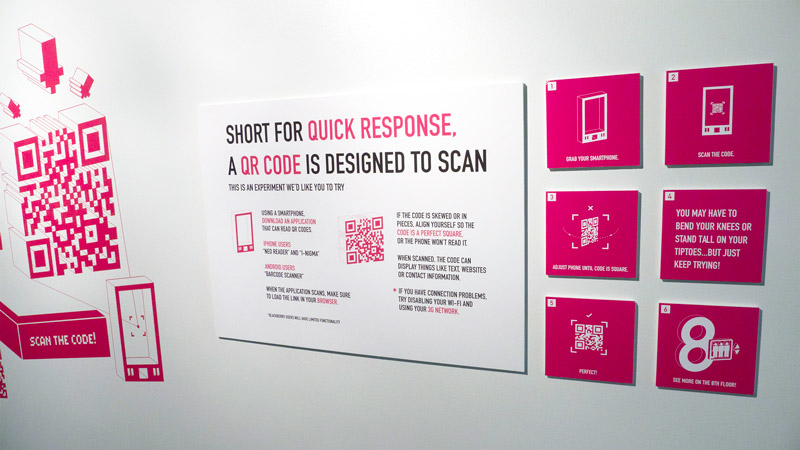

Because QR is a new technology, the installation was unfamiliar to most visitors. One challenge was to communicate the idea quickly and invite participation. How do you get visitors to a design exhibition to realize works are interactive, not decorative? Our audience came to socialize and explore casually, so the goal was to get them experimenting without long didactic panels. A wall display near the entrance introduced the concept and visual identity, helping visitors recognize the work across the exhibition and provided the first chance to engage at the Interactive Windows.
The vinyl signage was a challenge to apply, with very fine detail and 3 sections to align.

We were looking for a way to create interactions in the natural spaces of the building, on the walls, in the windows, and to avoid a “kiosk” interface as much as possible. By choosing the QR code, we used the visitor’s smartphone as the primary interface for the installation.
Most people now recognize the QR form but are still unsure of its purpose, It’s generally seen as a hyperlink to product or service information. Our goal was to give it a new context, reframing the QR as a digital actuator rather than a passive code.
We knew the number of QR-capable smartphones was limited, but accepted the constraint. To simplify development, we supported Android and iOS only. (It was still surprising to see how many designers and artists continue to use Blackberry devices!)
Although real-time interaction is often easier through native applications, we chose to build web apps for compatibility across platforms. Visitors without smartphones remained engaged by watching others interact and by joining conversations that followed. The most interesting part was seeing the discovery process unfold.
Team: Paolo Catalla, Jennifer Barrett, Amanda Matzenbach
Because we knew some components of the installation might be located on different floors and areas of the building, our goal was to have all the components of the installation belong to one easily recognizable identity. The identity team worked through a few iterations and arrived at a system linked to the geometry and aesthetic of the QR code. Depth and implied perspective were applied, as a thematic nod to the exploration of space and multi-planar executions.


Team: Alex Poterek, Paolo Catalla


This team worked through a few iterations, working from a desire to create an interactive projection on existing architecture. The team eventually arrived at an idea that would utilize a grid of windows on the ground floor of the Taubman Center.
The Interactive Windows was the first piece visitors would see as they arrived at the Taubman Center for the Student Exhibition Opening. The installation was located at the front of the Detroit Creative Corridor Center, who were kind enough to permit us to house a large short-throw projector, the Galaxy Warp 5000. In turn, the team dedicated part of the piece to an exploration of the the organization’s identity and mission statement.
Interactive Windows from Nevercool on Vimeo.
Because the clients are all connected, the experience is multiuser; each user can see all other users on their own mobile screen. Photos and screens from the Colada and Pixel Pix are also sent to the Interactive Windows for display in the grid. The interface is a web application built using Javascript and CSS, optimized for the mobile screen. The display application uses Adobe Flash in combination with widgets from the NETLab Toolkit, a project from Philip Van Allen at the New Ecology of Things Lab at Art Center College in Pasadena.
The piece may be reinstalled for a DC3 event in September, more updates later.
We needed a way for users to communicate with our interactive pieces, and for those pieces to communicate with each other. We decided to use a shared language that all applications could understand, and OSC (Open Sound Control) was a natural fit. This offered a friendly learning curve and broad support across environments such as Processing, ActionScript, Arduino, and openFrameworks.
To manage the communication traffic, we used Node.js, a server-side JavaScript runtime, together with the modules Socket.io and Node-OSC. This combination handled all messaging, allowing us to build applications that received real-time input from smartphone clients and could sync and broadcast across devices. The server shared OSC data with multiple interactive applications as needed.
The key advantage of this setup was that all client interfaces remained web-based, enabling interaction from across the room or across the network. Because the entire communication layer was written in JavaScript, it was both powerful and flexible.


System diagram for QR-driven interaction at CCS, 2011
Late in development we discovered high-level libraries like Express and Now.js, which likely would have saved us time, but the process itself was invaluable. It remains unclear whether Node’s asynchronous nature improved performance or throughput, but it is something worth exploring further.
These technologies allowed teams to create virtually-controlled physical displays. Mobile clients talking to servers via the internet, servers talking to computers on a local network running Flash and Processing, Computers talking (sans wires) to Arduino microcontrollers. All in all a pretty powerful and flexible system, I hope we continue to build on it!

Team: Lani Kercado, Cate Horn, Brian Hendrickson


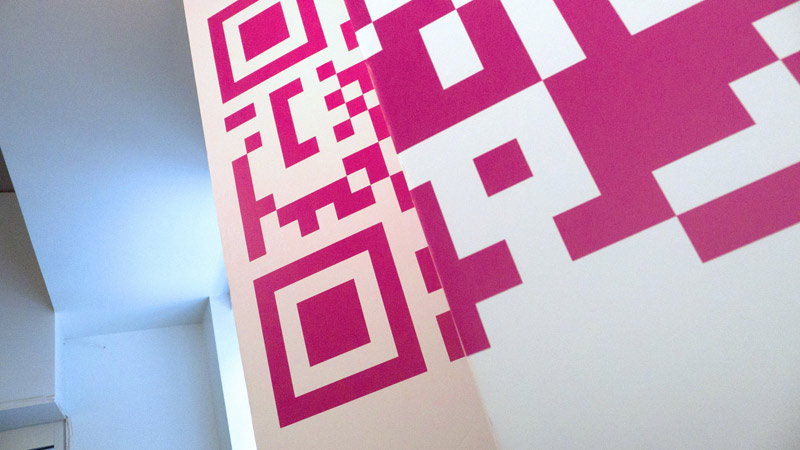
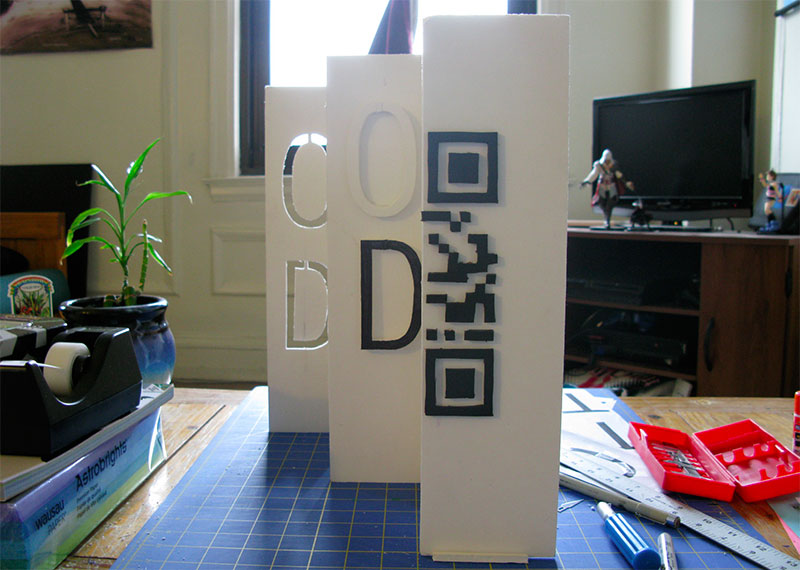
In early stages of the exploration, we discovered that a QR code could still function when it was “broken” or mapped onto multiple planes. Furthermore, we discovered that the code mapped in this way required the user to be located in a very specific space in order to scan it, because the perspective would only be correct from one position. This team used this idea of a broken plane to locate the user in space, and to highlight the spirit of the project. The mobile component also used the opportunity to explain some background on the overall project.

Zigzag Wall from Nevercool on Vimeo.
Large scale prototypes were built, and in the process the team discovered there was a fair amount of accurate measurement and math required to get things right. Seemingly small miscalculations would result in a skewed or misaligned code, which would then be unrecognizable to the scanning software. After several conceptual iterations at different scales, the team concluded that the lines of sight required for the large-scale piece would be difficult to accommodate in the available spaces for the show. Space was at a premium, so the resulting solution was a more modular and smaller scale piece to suit a variety of possible spaces and sight lines.